You read a sentence on the train and want to keep it. No pencil. You fold the corner of the page. Three months later the book has eleven folded corners and you cannot remember which one was the sentence.
Book notes in Notion fix the remembering part, as long as getting the quote in is quicker than folding the corner. This is how I keep quotes from paper books: one small database, one form on the phone.
Two databases: Books and Quotes
If you already keep a reading log, you have the Books database. The reading log guide shows mine: one row per book with title, author, status and rating.
Quotes go in a second database, one row per quote:
| Property | Type | Notes |
|---|---|---|
| Name | Title | A few words, or leave it for later |
| Quote | Text | The line itself, typed |
| Book | Relation | Points to the Books database |
| Page | Number | Page number |
| Photo | Files & media | Photo of the page, optional |
| Tags | Multi-select | Themes: work, writing, cities |
| Added | Date | Today |
The relation is what makes it useful later. On a book’s page in Notion, all its quotes appear together. In the Quotes database, a filter on Tags gives you every quote about writing, from every book.
Photo or typed quote
There is no OCR in Fast Actions for Notion. A photo of the page stays a photo. The app does not turn it into text for you.
So use both, for different things:
- Type the line when it is short. One or two sentences on the phone keyboard is under a minute, and typed text is searchable in Notion.
- Photograph the page when the passage is long, or when you want the context around it. Then type only the sentence that made you stop, or just a few key words in Name so you can find it again.
Large photos are downscaled automatically before upload. A page of print is still readable afterwards if you hold the phone flat above it.
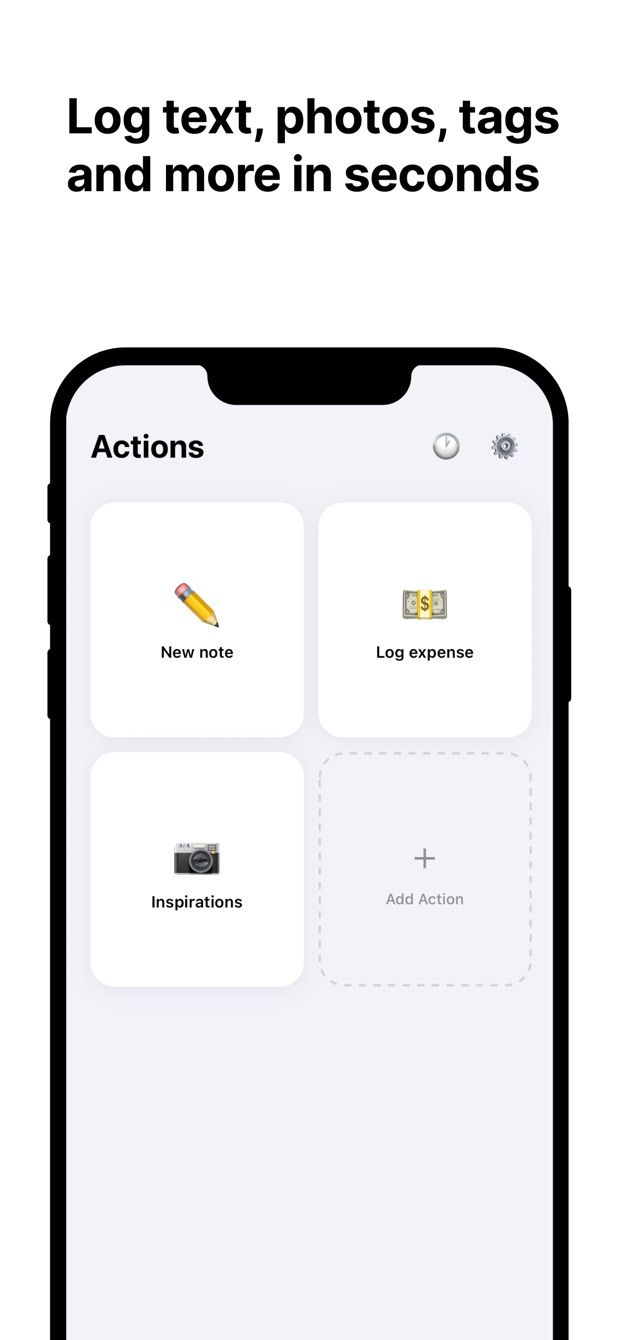
The action in Fast Actions
Create an action called Quote and point it at the Quotes database:
- Quote: text, empty.
- Book: relation. Pick the book from your Books database.
- Page: number.
- Photo: from the camera, or from the library if you already took the picture.
- Tags: multi-select, no default.
- Added: date, default today.
If you are in the middle of one book for a week, you can set Book as a default value in the action. Then saving a quote is: type, page number, save. Change the default when you start the next book.
How to do it today
- In Notion, create the Quotes database with the properties above. Add the Book relation and point it at your Books database. If you do not have one yet, start with the reading log.
- Install Fast Actions for Notion on your iPhone or Android phone. Sign in with your Notion account and give the app access to both Quotes and Books. The relation needs both.
- Create the Quote action with the fields above.
- Next time a sentence stops you: tap Quote, type it, add the page, pick the book, take a photo if the passage is long, save.
- Open the book’s row in Notion later. The quote is listed under the relation, with the page number next to it.
Reading on a plane works too. The entry waits in the queue and uploads when you are back online, and its status shows when it has reached Notion.
The free plan includes one capture per day. That covers a quote a day. Pro removes the limit for the days when a book has five good pages in a row.
E-books and articles
For text you can select on the screen, a form is the long way round. Select the passage, tap Share, and send it to Instant Note for Notion, which saves the text into a Notion database. The Share Sheet guide shows how that works.
Highlights you made inside an e-reader app are a different case. Neither app imports them. That needs a tool built for syncing e-reader highlights.
Missing something?
If your workflow needs something the app does not do yet, write to me at [email protected]. I read every message, and requests like yours decide what gets built next.
Get Fast Actions
Fast Actions for Notion is free for one capture a day on iOS and Android. Pro removes the limit.