You read something on the phone and want it in Notion. Maybe an article for later, maybe a product page, maybe a paragraph you want to quote. On iPhone the Share Sheet is the right place to start. The question is which target to tap once it opens.
There are two that put things into Notion: the Notion app’s own share extension, and Instant Note for Notion’s. They do different jobs.
What does Notion’s share extension do?
When the Notion app is installed, it appears in the Share Sheet. Share a link from Safari and you pick a page or database to save it to. The link and its title go in. For a reading list that lives in Notion, with the article as a page you can open and annotate later, this is the right tool. It is also the only one of the two that can add to an existing page rather than a database.
Two honest notes. It opens Notion’s own interface to choose the destination, which takes a moment. And it has had rough patches: in July 2026 several App Store reviews reported the share extension not working at all for a while. If you save a lot of links, you probably noticed.
What does sharing to Instant Note do?
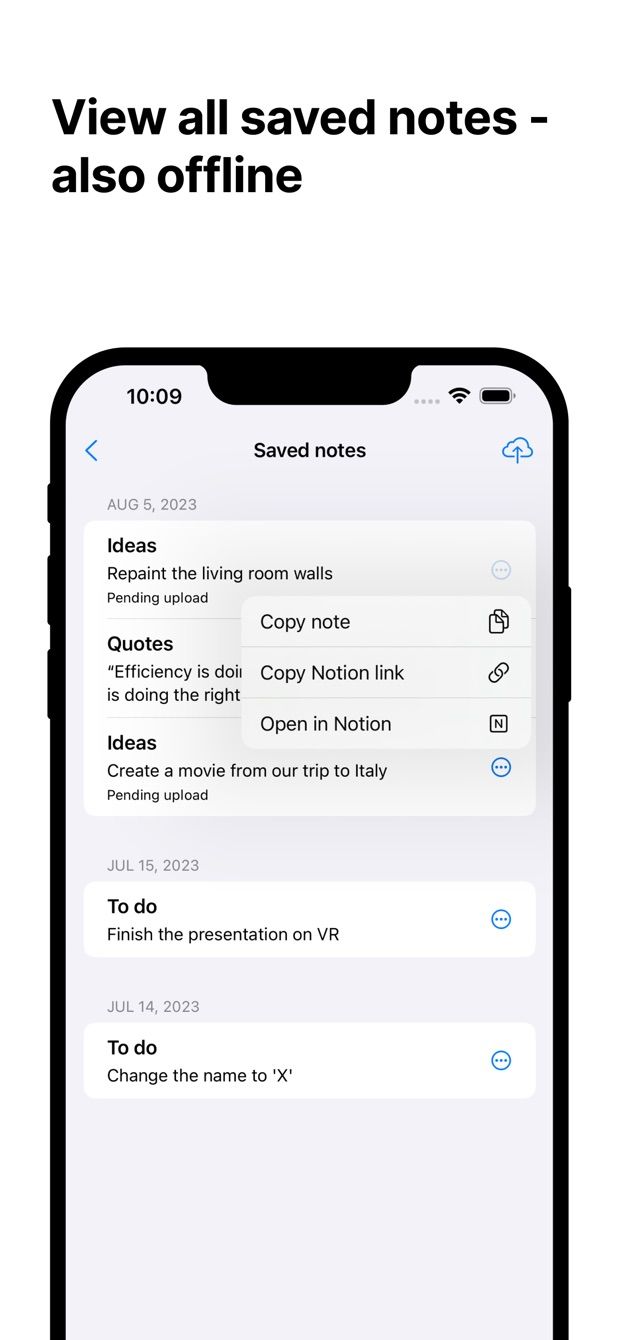
Share text, an image or a link from any app, and Instant Note opens as a small sheet. You can add a line of your own, pick tags from your database’s select or multi-select property, and save. The result is a new row in the database you set up in the app, with the shared content in it. If you are offline, the row waits and is sent later.
It does not ask where to put it. That was decided once, during set-up. Which is the point: the share is a two-tap action, not a filing decision.
When is each one better?
Use Notion’s extension when the destination varies. One link to the reading list, another to a project page, a third to a client’s wiki. You choose each time, and the link gets a proper page.
Use Instant Note when the destination is always the same inbox, when you want a comment and a tag on the thing you are saving, when you are on the subway with no signal, or when what you are sharing is not a link at all: a selected paragraph, a screenshot, a photo of a poster.
Many people run both. Notion’s clipper for articles, Instant Note for everything that is a note with a link attached.
How to do it today
- Install Instant Note for Notion, sign in with Notion and choose the database that receives notes. A multi-select called Tags with options like Read, Buy and Idea works well.
- In Safari, tap the Share button at the bottom of the screen.
- The first time, scroll the row of app icons to the end, tap More, and switch on Instant Note. Tap Edit to move it near the front so it is visible without scrolling.
- Tap Instant Note. Add a line if you want one (“for the kitchen renovation”), tap a tag, save.
- Try the same from Photos with a screenshot, or from a reading app with a selected sentence. Any app that offers the Share Sheet can send to Instant Note.
Missing something?
If your workflow needs something the app does not do yet, write to me at [email protected]. I read every message, and requests like yours decide what gets built next.
Get Instant Note
Instant Note for Notion is free on iOS and Android. Pro adds widgets with your tags, multiple databases and the saved-notes list.