Getting Things Done has one rule that everything else depends on: anything that has your attention goes into an inbox, right away, without deciding what it is. The deciding happens later, at a desk. Most Notion GTD setups fail at the first half of that rule, because the inbox is a database three screens deep in an app that takes a while to open.
This page is about fixing the capture half with one database and one small app.
What should a GTD inbox in Notion look like?
Keep it flat. One database called Inbox, with four properties:
- Name, the title. The thought itself.
- Tags, a multi-select. Three or four options at most: Task, Idea, Someday, Reference.
- Created time. Notion fills it in.
- Processed, a checkbox. Unchecked means it is still in the inbox.
Filter the default view to Processed is unchecked and you get a list that empties as you work through it. Resist adding Project, Priority, Due date and Area to the inbox. Those are decisions. GTD says capture first and decide later, and every extra property on the capture form is a decision pushed back to the moment you had the thought.
Why not capture in the Notion app?
Because the thought arrives at the till, on the bike path, in the hallway after a meeting. The Notion app needs a cold start, a loading screen and a few taps to reach a New button. By then you have decided it was not important, which is exactly the judgement GTD tells you not to make at capture time.
The Notion app does have a tab called Inbox on mobile. That one is for notifications and mentions. Same word, different thing.
How to do it today
- Create the Inbox database above in Notion, on the desktop, where database set-up is easier.
- Install Instant Note for Notion on the phone and sign in with Notion. When Notion asks which pages the app may use, include Inbox.
- In Instant Note, pick Inbox as the target database. The Tags property shows up as chips you tap.
- Add the widget. On iPhone that is the Lock Screen widget or a Home Screen widget; on Android, a home screen widget. The widget opens the app straight into the text field.
- Capture everything. “Call the dentist.” “Chapter three needs a map.” “Hardware shop receipt is in the glovebox.” Type, tap a tag if one is obvious, save. If no tag is obvious, skip it.
- Once a week, open Inbox in Notion on a laptop. For each row: move it where it belongs (Tasks, Projects, a notes page) or delete it, then tick Processed. Thirty rows takes about fifteen minutes.
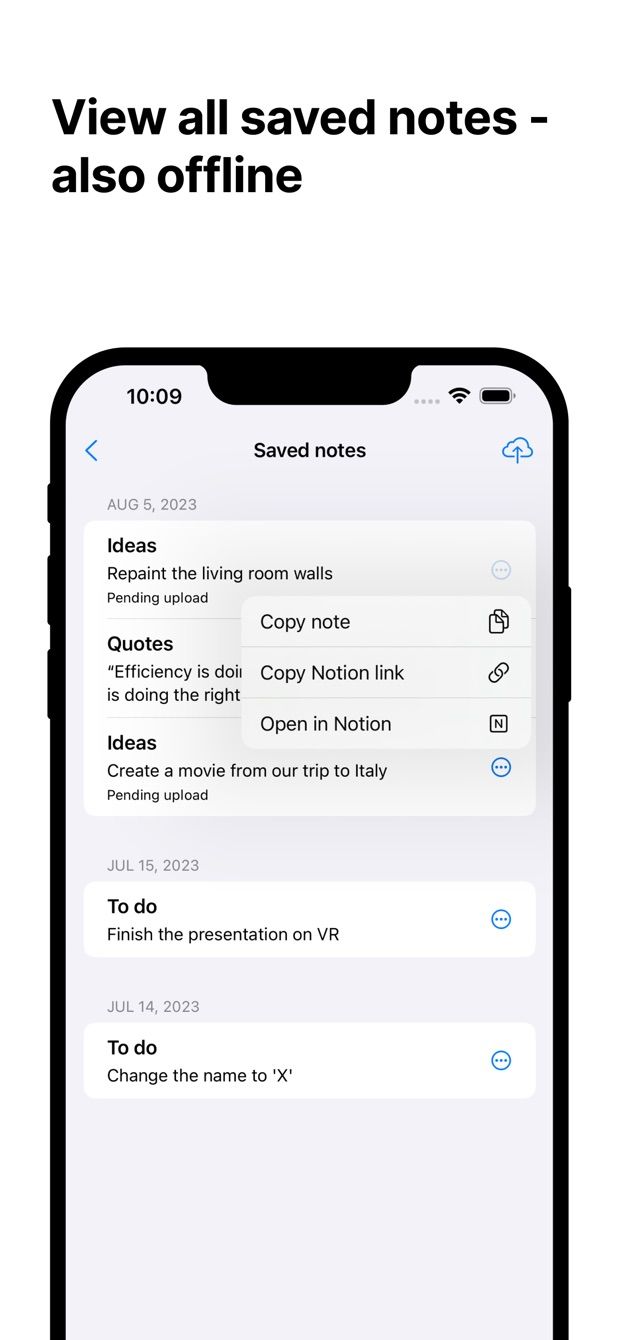
Nothing in Instant Note is specific to GTD. It writes rows into a database fast, offline too, and the tags are your tags. That is all the method needs from the phone.
Missing something?
If your workflow needs something the app does not do yet, write to me at [email protected]. I read every message, and requests like yours decide what gets built next.
Get Instant Note
Instant Note for Notion is free on iOS and Android. Pro adds widgets with your tags, multiple databases and the saved-notes list.