Good notes and fast notes pull in opposite directions. A good note has a title, a place in the hierarchy and a link to the project. A fast note is four words typed with one thumb while the kettle boils. Try to write the good one at the kettle and you write nothing.
The method here is the one I have settled on after years of Notion: capture fast and badly, then make the notes good later, in a weekly pass that takes twenty minutes. This is a rewrite of an older article on this site; the old version promised too much and said too little.
Rule one: one inbox, not a filing system
Every note goes into the same Notion database, called Inbox. Not the project page, not the “Ideas” page, not the book notes. One place. Deciding where a note belongs is the slow part of note-taking, and you can only do it well when you are not in a hurry. So you do not do it at capture time.
The database is small: a title, a Tags multi-select, a created date that Notion fills in, and a Done checkbox. That is all. The inbox article has the setup in detail.
Rule two: one note, one thought
“Call the dentist, and also the idea about the onboarding screen, and the book Anna mentioned” is one note that will never be processed. Three notes of four words each are processed in ten seconds on Sunday. Write short. If a thought needs two paragraphs, write the first sentence now and the rest at the desk.
Rule three: tag at capture, categorise later
A tag is a one-tap hint for your future self: Work, Home, Idea, Read. It is not a category and it does not have to be right. On the phone, the tags are buttons from your Notion database’s multi-select, so adding one costs nothing. Categories, the project it belongs to, the page it should be merged into, come in the weekly pass.
Five tags is plenty. More than that and you start thinking at the kettle again.
Rule four: the weekly pass
Sunday evening, twenty minutes, at the desk, in Notion. Open Inbox, filter Done is unchecked, sort by created date. Go down the list:
- Task? Move it to the task list or do it now if it takes two minutes.
- Idea for a project? Open the project page and paste it in, with a line of context.
- Reference? Move it to where it belongs or delete it.
- Nothing? Delete it. Most captures are nothing by Sunday, and that is fine. They were cheap.
Tick Done on whatever is left. The inbox is empty, the good notes are where they belong, and you wrote them without ever being slow at the kettle.
How to do it today
- In Notion, create the Inbox database: Title, Tags (multi-select with four or five options), Done (checkbox). Add a view filtered to Done is unchecked.
- Install Instant Note for Notion on your phone, sign in with Notion and pick Inbox as the database. The tags in the app are the options of your Tags property.
- On iPhone, put the Instant Note widget on the Lock Screen; on Android, on the Home Screen. The quick capture article walks through it.
- For a week, capture everything there. One thought per note, one tag, save. Do not organise.
- On Sunday, do the pass above. Note how long it took. It is usually shorter than the time you used to spend deciding where a note goes.
Missing something?
If your workflow needs something the app does not do yet, write to me at [email protected]. I read every message, and requests like yours decide what gets built next.
Get Instant Note
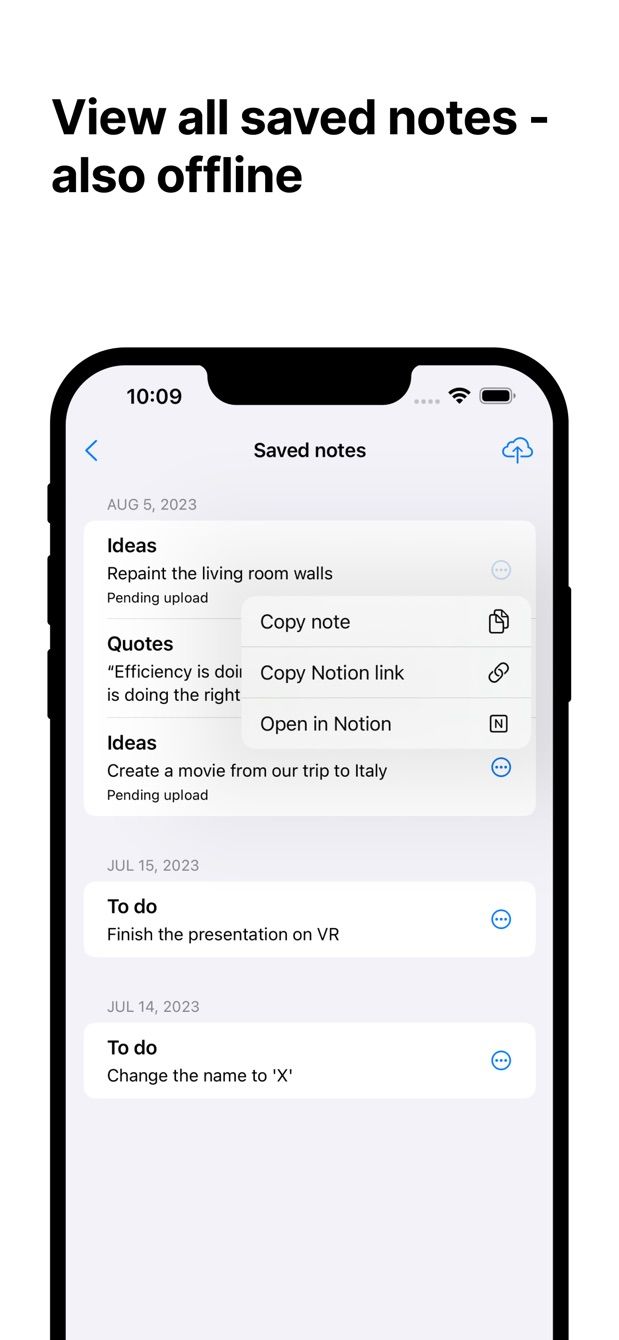
Instant Note for Notion is free on iOS and Android. Pro adds widgets with your tags, multiple databases and the saved-notes list.