You close the book on the train, and for about ten minutes you know exactly what you took from it. By the evening it is a feeling. By the weekend it is a title in a list. A reading log is only worth keeping if the entry happens in those ten minutes, on the phone, while the book is still in your hand.
Notion’s reading-list template is a good shape for the log. What it lacks is a quick way in from the phone. Here is the database I use and the form in Fast Actions for Notion that writes to it.
What the Notion database looks like
A full-page database called Books. One row per book or long article.
| Property | Type | Notes |
|---|---|---|
| Title | Title | The book |
| Author | Text | Plain text is enough |
| Status | Status | To read, Reading, Finished |
| Rating | Select | 1 to 5 |
| Finished | Date | The day you closed it |
| Takeaways | Text | Two or three sentences, written right away |
| Link | URL | Store page, article, publisher |
| Cover | Files & media | Optional, a photo of the cover |
Takeaways is the property that matters. Rating and Finished are nice for the year-end view, but the sentence you write on the train is the reason to keep the log. Status is a Status property rather than a select, so the board view in Notion gets the three columns for free.
The action in Fast Actions
Two actions on the same database work well here, which Fast Actions allows.
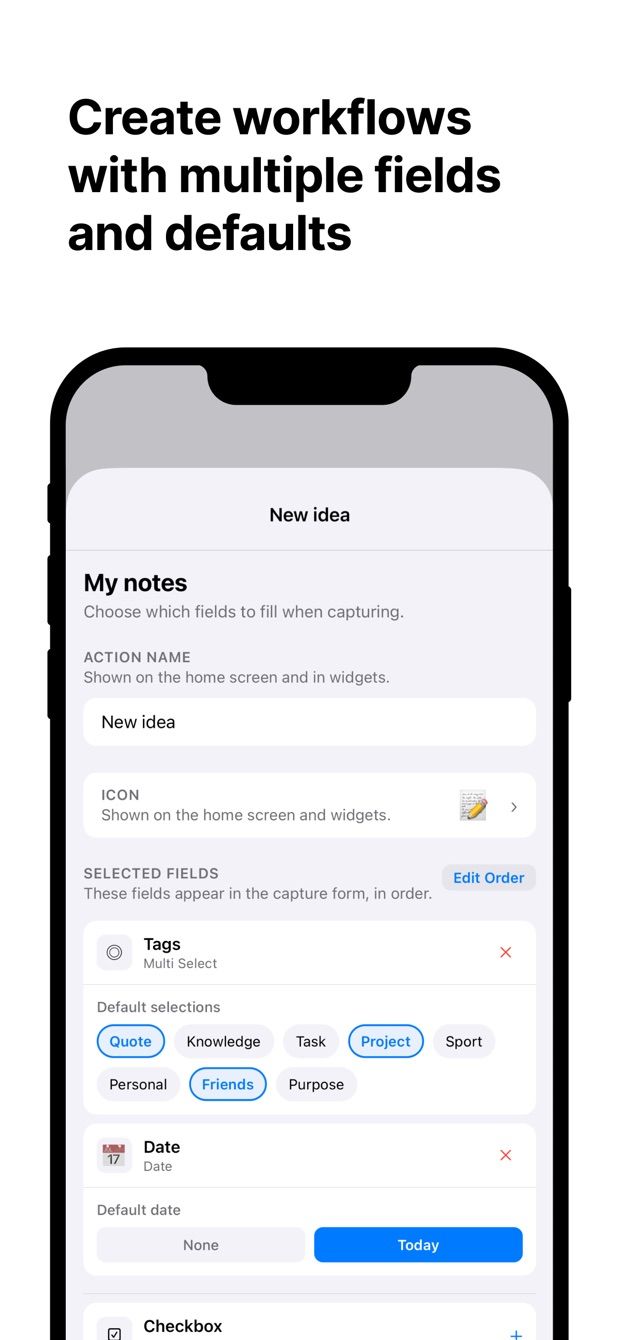
“Finished a book” has:
- Title: text, empty.
- Author: text.
- Status: default Finished.
- Rating: select, no default; it is the one thing you have to decide.
- Finished: date, default today.
- Takeaways: text.
- Cover: photo, from the camera, for when the book is physical.
“Want to read” has only Title, Author and Link, with Status defaulting to To read. That is the one for the bookshop and for the recommendation a friend gives you at dinner. Three fields, save, done.
How to do it today
- In Notion, create the Books database with the properties above. If you already use Notion’s reading-list template, keep it and check the property types match.
- Install Fast Actions for Notion. Sign in with your Notion account and give the app access to Books.
- Create the “Finished a book” action with the fields above. Set Status to Finished and leave Finished on today.
- Create “Want to read” with Title, Author and Link. Set Status to To read.
- Next time you finish something: tap “Finished a book”, type the title, pick a rating, write the two sentences, take a photo of the cover, save.
Done on the train with no signal, the entry waits and uploads later, with a status next to it so you can see when it went through.
Missing something?
If your workflow needs something the app does not do yet, write to me at [email protected]. I read every message, and requests like yours decide what gets built next.
Get Fast Actions
Fast Actions for Notion is free for one capture a day on iOS and Android. Pro removes the limit.