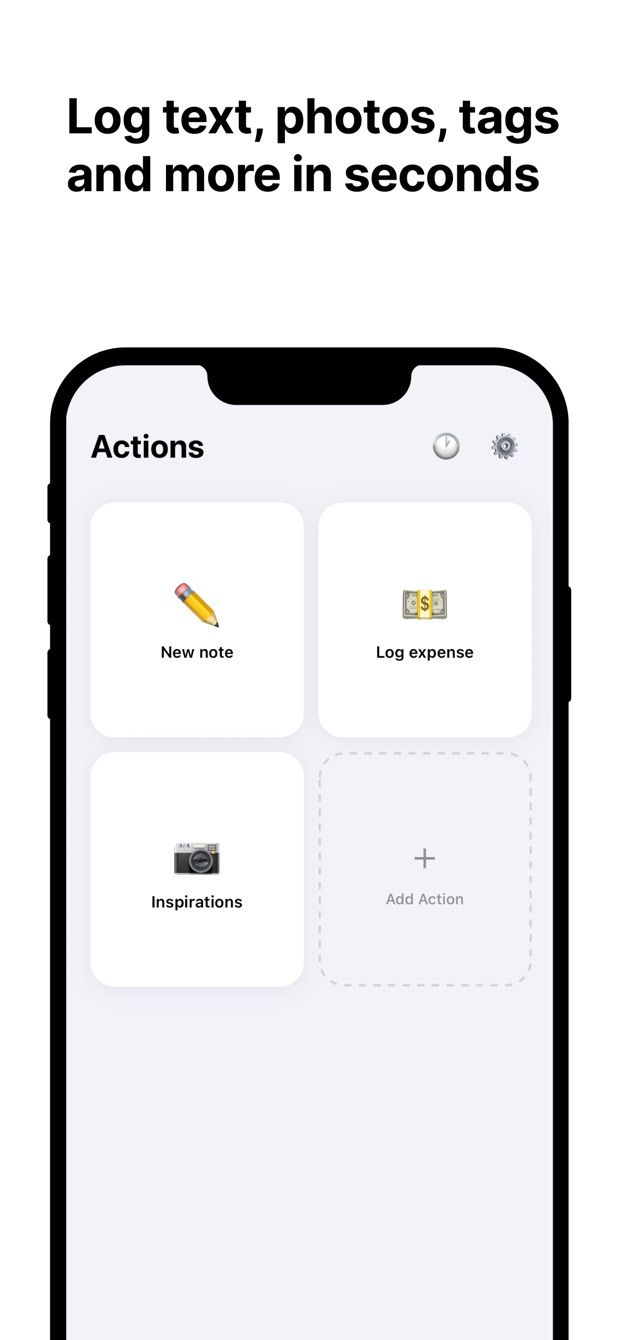
You log the same kind of entry every day: an expense, a set at the gym, a book you finished, a reading from the water meter. In the Notion app each one means opening the database, tapping New and scrolling past properties you do not need for this entry.
A form fixes that. It shows only the fields that matter, with the usual values already filled in.
Notion has Forms. Who are they for?
Notion Forms exist, and they are good. You add a form to a database in Notion, share the link, and every answer becomes a page in that database, with each question mapped to a property. Sign-ups, feedback, requests from colleagues: Notion Forms are made for collecting answers from other people.
You can fill in a Notion form on the phone through its link. Building one needs the desktop or web app; Notion’s help page says forms cannot be created on mobile yet. Forms also need a connection. Notion’s offline help lists them among the things that require the internet.
For your own entries, made many times a week, a different kind of form fits better: one that lives on your phone and writes straight into the database.
What a form on the phone does differently
Fast Actions for Notion calls these forms “actions”. Each action is mapped to one Notion database and holds only the fields you pick.
- Your fields only. Text, numbers (decimals are fine), dates, select, multi-select, status, checkbox, URL, email, phone, files and relation. Properties you leave out stay in Notion untouched.
- Defaults. Dates are today unless you change them. Set your usual category, a status, a ticked checkbox. Many entries become one field and Save.
- Several actions per database. A “Coffee” action with amount and category preset, and a full “Expense” action with a receipt photo, both writing to the same table.
- Photos. The camera opens full screen, and the photo lands in a Files property of the new row. Large photos are downscaled before the upload. More in photos into a Notion database.
- Offline queue. No signal in the gym basement or in the train: the entry waits on the phone and uploads when you are back online. Each entry shows its status.
- Widgets. A widget on the Home Screen (and on the Lock Screen of an iPhone) opens an action’s form directly, without going through the app first.
Sign-in uses Notion’s official authorisation, and entries go straight to the Notion API. Any full-page database works.
When to use which
Use Notion Forms when other people fill in the form, when you want a link to share, or when the answers come in from a computer.
Use a form on the phone when it is you entering the data, in the same shape again and again, away from the desk, sometimes offline, sometimes with a photo.
The two also combine. One database can have a Notion Form for your colleagues and a Fast Actions action for you.
How to do it today
- In Notion, check that your database is a full-page database with the properties you need. Note which ones you fill in every time.
- Install Fast Actions for Notion, sign in with Notion and give it access to that database.
- Create an action and choose the database. Add only the fields you fill in every time. For a workout log: Exercise (select), Weight (number), Reps (number), Date (today by default).
- Set defaults for anything that rarely changes: your usual exercise, a status, a checkbox.
- Optional: add a second action for the same database with a different set of fields, for example one with a photo field.
- Add a Fast Actions widget to your Home Screen. Tap it, fill in what changed, save. The row appears in Notion, or waits in the queue until you have a connection.
The free plan includes one capture per day, enough to test a form on real entries. Pro removes the limit. For complete examples with database layouts, see the expense tracker and the workout log.
I built Fast Actions because my own expense and gym entries never made it into Notion from the phone. A form with defaults was the first thing that stuck.
Missing something?
If your workflow needs something the app does not do yet, write to me at [email protected]. I read every message, and requests like yours decide what gets built next.
Get Fast Actions
Fast Actions for Notion is free for one capture a day on iOS and Android. Pro removes the limit.