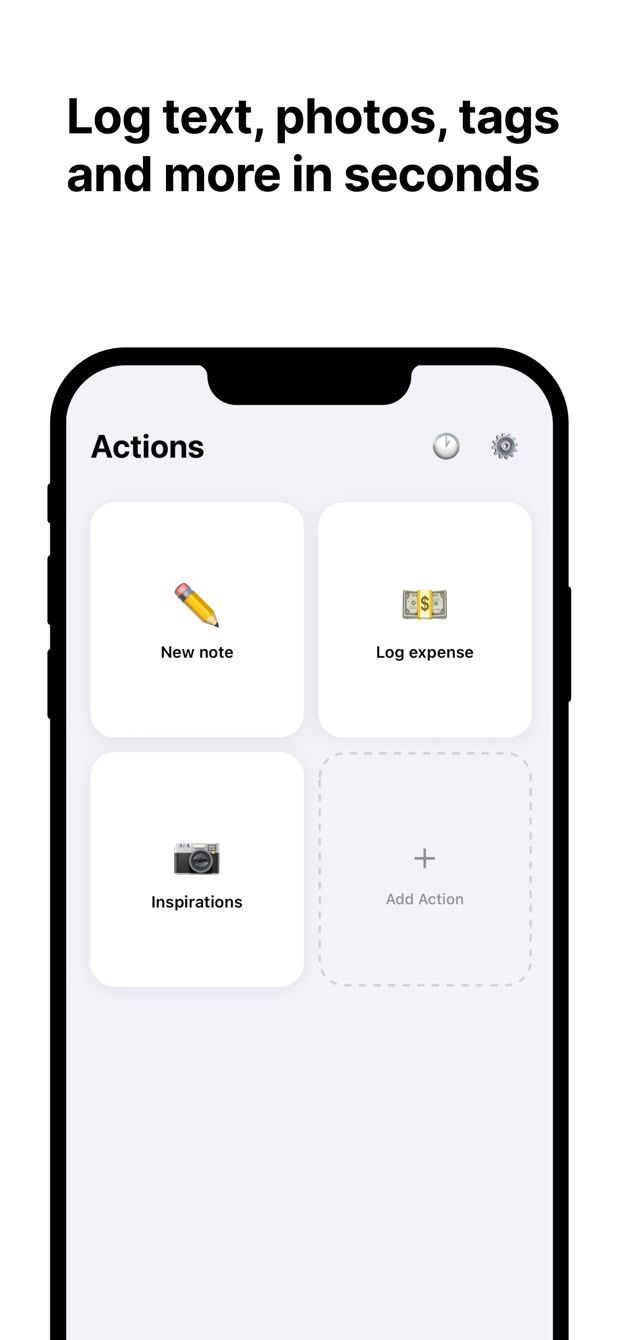
Between sets you have about ninety seconds and one usable hand. That is the entire design constraint for a workout log on the phone. The Notion app, with its loading screen and a table that scrolls sideways, needs more than that, which is why most people log in Notes and promise to copy it over later.
This is the database and the Fast Actions for Notion setup I use at the gym. It is built around one idea: the form already knows what you usually lift, so you only change what changed.
What the Notion database looks like
A full-page database called Training, one row per exercise per session.
| Property | Type | Notes |
|---|---|---|
| Name | Title | Can stay empty |
| Exercise | Select | Squat, Bench, Deadlift, Row, Press, Pull-up |
| Weight | Number | In kg or lb, pick one and stay with it |
| Sets | Number | |
| Reps | Number | |
| Date | Date | Session date |
| Notes | Text | “Felt heavy”, “new belt” |
If you want sessions as their own thing, add a Sessions database and a Relation property, and give each row a session. It is optional; a table grouped by Date is already a session.
Volume per session is a formula: prop("Weight") * prop("Sets") * prop("Reps"), with a Sum calculation on the column. Progress is a table filtered to one exercise, sorted by Date. Both are set up once in Notion and never touched on the phone.
The actions in Fast Actions
One action per main lift, all on the same database. The Squat action:
- Exercise: default Squat.
- Weight: number, default your current working weight.
- Sets: number, default 5.
- Reps: number, default 5.
- Date: default today.
- Notes: text, empty.
On a normal day every field is already right, so it is tap, save. On the day the weight goes up, you change one number. When the working weight changes for good, edit the default in the action and it stays changed.
Repeat for Bench, Deadlift and whatever else you do every week. Accessory work goes through a general “Exercise” action that has no defaults.
How to do it today
- In Notion, create the Training database with the properties above. Add the Volume formula and a view per exercise.
- Install Fast Actions for Notion, sign in with your Notion account and give the app access to Training.
- Create one action per main lift. Set Exercise, Weight, Sets and Reps to your current numbers. Leave Date on today.
- At the gym: finish the set, tap the action, change what changed, save. Put the phone down.
- At home, open the per-exercise view in Notion and see the line go up, or not.
Basement gym with no reception: the rows queue on the phone and upload when you are back upstairs. Each entry shows whether it has gone through.
Missing something?
If your workflow needs something the app does not do yet, write to me at [email protected]. I read every message, and requests like yours decide what gets built next.
Get Fast Actions
Fast Actions for Notion is free for one capture a day on iOS and Android. Pro removes the limit.