You are on a run, the phone is at home, and the idea arrives at kilometre three. The watch is the only screen you have, so the question is whether it can put a sentence into Notion.
Short answer: there is no Notion app for Apple Watch, but a shortcut can do it. This page shows how, as of November 2026.
Is there a Notion app for Apple Watch?
No. Notion’s App Store listing covers iPhone, iPad and Apple Vision. Nothing installs on the watch. Notifications from the Notion iPhone app appear on the wrist like any other notification, and that is the whole integration. You cannot open a page, read a database or type anything.
Instant Note for Notion has no watch app either. More on that at the end.
What can you do with Notion from the wrist?
The Shortcuts app is the way in. Any shortcut you build on the iPhone can be switched on for the watch. Then you can start it from the Shortcuts app on the watch, from a complication on the watch face, from the Smart Stack, by saying its name to Siri, or with the Action button on an Apple Watch Ultra.
So the plan is a shortcut that asks for a sentence, then sends it to a Notion database as a new row. Raise the wrist, say “Add to Notion”, dictate, done.
There are two ways to build it.
With Notion’s own action. The Notion iPhone app gives Shortcuts an action that creates a database page. The Siri guide has the steps. Apple says not every iPhone shortcut is compatible with the watch, and whether this one runs there depends on Notion’s action. Some people use it from the watch without trouble. If yours does not appear in the watch’s Shortcuts app, or fails there, use the second way.
With the Notion API. This version only uses Apple’s built-in actions, so it runs on the watch itself. It can also set a tag, which Notion’s action cannot. It takes some setting up, once.
How to do it today
-
On a computer, open Notion’s developer portal (app.notion.com/developers/connections), choose Internal connections and create a new one. You need to be the workspace owner. Copy its API token.
-
Open your inbox database in Notion. Tap ••• in the top-right corner, then Connections, then Add connection, and pick the one you created. The token can now reach this database and nothing else.
-
Copy the database ID: the 32 characters in the database link, before
?v=. -
On the iPhone, open the Shortcuts app and create a new shortcut. Add the action Ask for Input, type Text, prompt “Note”.
-
Add a Text action with the request below. Replace the ID, and use the name of your database’s title property if it is not “Name”. The Tags line is optional; it needs a multi-select property called Tags.
{"parent": {"database_id": "YOUR_DATABASE_ID"},
 "properties": {
  "Name": {"title": [{"text": {"content": "Provided Input"}}]},
  "Tags": {"multi_select": [{"name": "Watch"}]}
 }}
“Provided Input” is not typed. Insert it as the variable from step 4.
-
Add Get Contents of URL. URL:
https://api.notion.com/v1/pages. Method: POST. Headers:Authorization= the wordBearer, a space and your token,Notion-Version=2022-06-28,Content-Type=application/json. Request Body: File, and choose the Text from step 5. -
Name the shortcut “Add to Notion”. Open its details and turn on Show on Apple Watch.
-
On the watch, say “Siri, Add to Notion”, or tap the shortcut in the Shortcuts app. Dictate. The row appears in Notion with the tag Watch.
Three things to know. The watch needs a connection, through the iPhone, Wi-Fi or cellular; there is no queue, so a note sent with no signal is lost. The token sits inside the shortcut, so do not share the shortcut with anyone. And a quotation mark in the dictated text can break the request, which is rare with speech.
What is the fastest way on the iPhone?
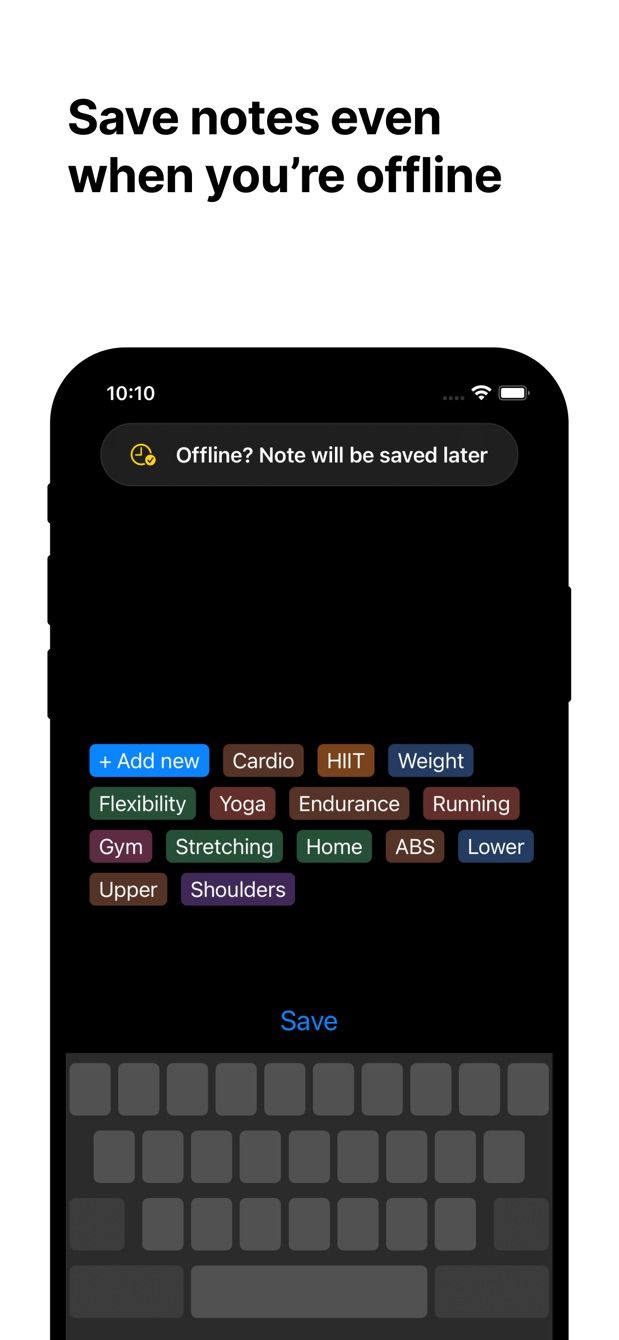
If the phone is in your pocket, it is still quicker than the watch for anything longer than a sentence. Instant Note for Notion opens straight into a text field from the Lock Screen widget. Saying “Hey Siri, new note in Instant Notion” opens the app on the same field. On iOS 18 and later its control can sit in Control Center or on the Action button of an iPhone 15 Pro or newer. You type, tap a tag from your database, save. With no signal, the note waits on the phone and is sent later. The Lock Screen widget guide has the set-up.
Would a watch app for Instant Note help?
That is the idea in the box below. One screen on the watch: dictate, tap one of your favourite tags, save. Notes would wait on the watch when there is no connection, which the shortcut cannot do. It is not built. If you would use it, the button is your vote.
Missing something?
If your workflow needs something the app does not do yet, write to me at [email protected]. I read every message, and requests like yours decide what gets built next.
Get Instant Note
Instant Note for Notion is free on iOS and Android. Pro adds widgets with your tags, multiple databases and the saved-notes list.