Walking the dog, the idea for the talk arrives fully formed, and it is three sentences long. Typing three sentences with one hand on a lead is slow. Saying them takes ten seconds. The question is where they go afterwards.
This page is about getting a spoken note into a Notion database from the phone, with what exists in October 2026, and about the gap that is still there.
What does Notion offer for voice on mobile?
Two things. In April 2026 the Notion app got a dictation button in the editor, so you can speak into a page once it is open. And the separate Notion Agents app, released in July 2026 for iOS 26 and newer, takes a voice note and has an agent decide where it belongs.
Both work. Both also start with opening an app and waiting, and in the Agents case, waiting for an AI to pick a destination. Reviewers in 2026 are divided on that; some like that it sorts for them, many write that they want the AI out of the way. If what you want is “this sentence, in that database, with this tag”, neither path is the short one.
Dictating into Instant Note
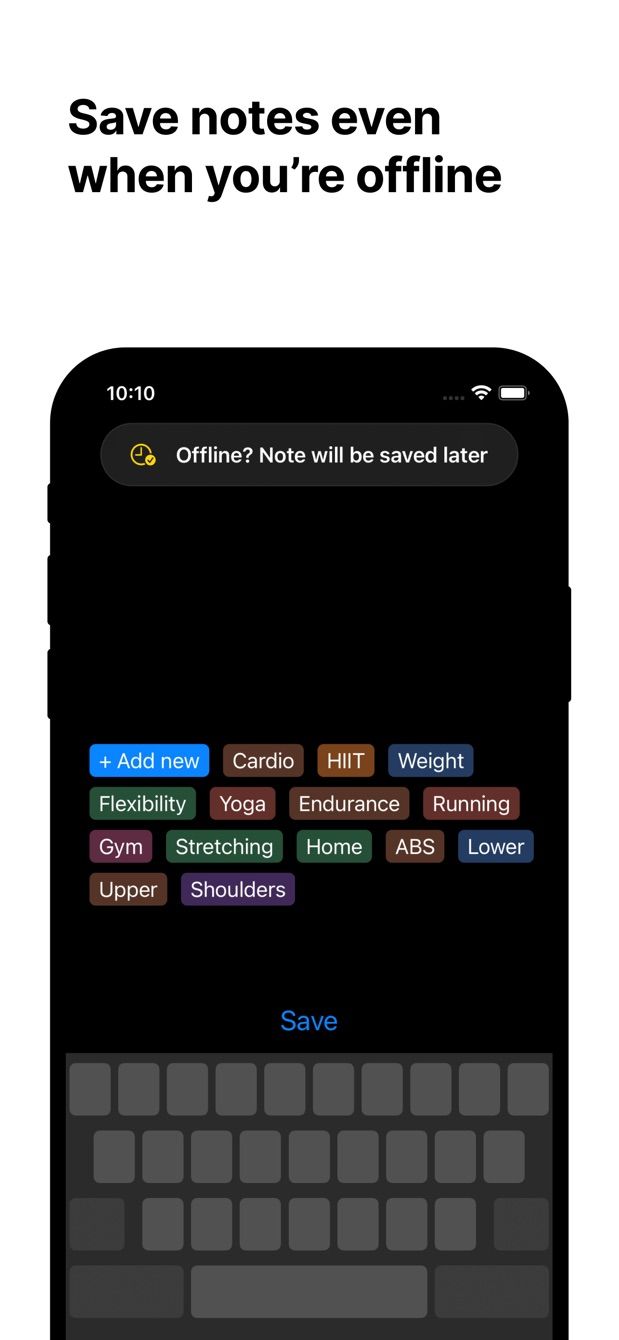
Instant Note for Notion is a text field with tags and a save button. It does not care how the text got there. The microphone key on the iPhone keyboard, or on Gboard and Samsung Keyboard on Android, types what you say into that field. Tap a tag, save, and the row is in Notion.
On recent iPhones, keyboard dictation works without a connection for the main languages, and Instant Note queues the note if there is no signal. So the dog walk through the park with no reception still ends with a row in Notion, sent when you are home.
How to do it today
- Install Instant Note for Notion, sign in with Notion, choose the database that receives notes.
- Put the Lock Screen widget (iPhone) or home screen widget (Android) in place, so one tap gets you to the text field.
- Tap the widget. The keyboard is up. Tap the microphone key.
- Say the note. Say “full stop” or “comma” if you want punctuation; dictation handles the rest.
- Tap the keyboard icon to stop, read what it heard, fix a word if needed.
- Tap a tag, save.
For most notes that is a tap, a tap, ten seconds of talking, and two more taps. No audio is kept; only the text.
What a real voice notes feature would add
Dictation is not a voice memo. Three things are missing today, and they are the reason the voice-notes page exists.
The audio itself. Sometimes the tone matters, or the transcription mangles a name, and you want to hear the original. Today nothing is recorded.
Hands-free start. Today you tap the widget and tap the microphone. A voice memo should start recording from the widget and stop when you stop talking.
Both together in Notion. The useful shape is a row with the transcript as text and the audio file in a Files property, so you can read it on the laptop and play it when the text is not enough.
That is what is being considered at /coming-soon/voice-notes. It is not built. The button on that page is a vote, and the count is what tells me whether to build it before the other things on the list.
Missing something?
If your workflow needs something the app does not do yet, write to me at [email protected]. I read every message, and requests like yours decide what gets built next.
Get Instant Note
Instant Note for Notion is free on iOS and Android. Pro adds widgets with your tags, multiple databases and the saved-notes list.