The meeting ends at 10:58. You have three things to do, one decision to remember, and the next call starts at 11:00. The laptop is still showing the slides. What goes into Notion in those two minutes is what survives; what stays in your head is gone by lunch.
Notion has AI Meeting Notes for the transcript. This page is about the other part, the human one: the three lines you would write on a sticky note, captured from the phone while you walk to the next room.
Why not open Notion and type it in?
On the phone, opening Notion, finding the Meetings database, tapping New and waiting for the editor is most of the two minutes. The 2026 App Store reviews are full of start-up time and lag while typing. By the time the page is ready you are already in the next meeting, and the three items have become two.
The fix is not a better template. It is a shorter path to the database.
Two ways to capture, depending on what you need
For one line, use Instant Note for Notion. It opens into a text field, you type “Send Anna the Q4 numbers by Friday”, tap the tag Action, save. The row lands in an inbox database with the tag set. Three items means three notes, or one note with three lines. Sort them out at the desk.
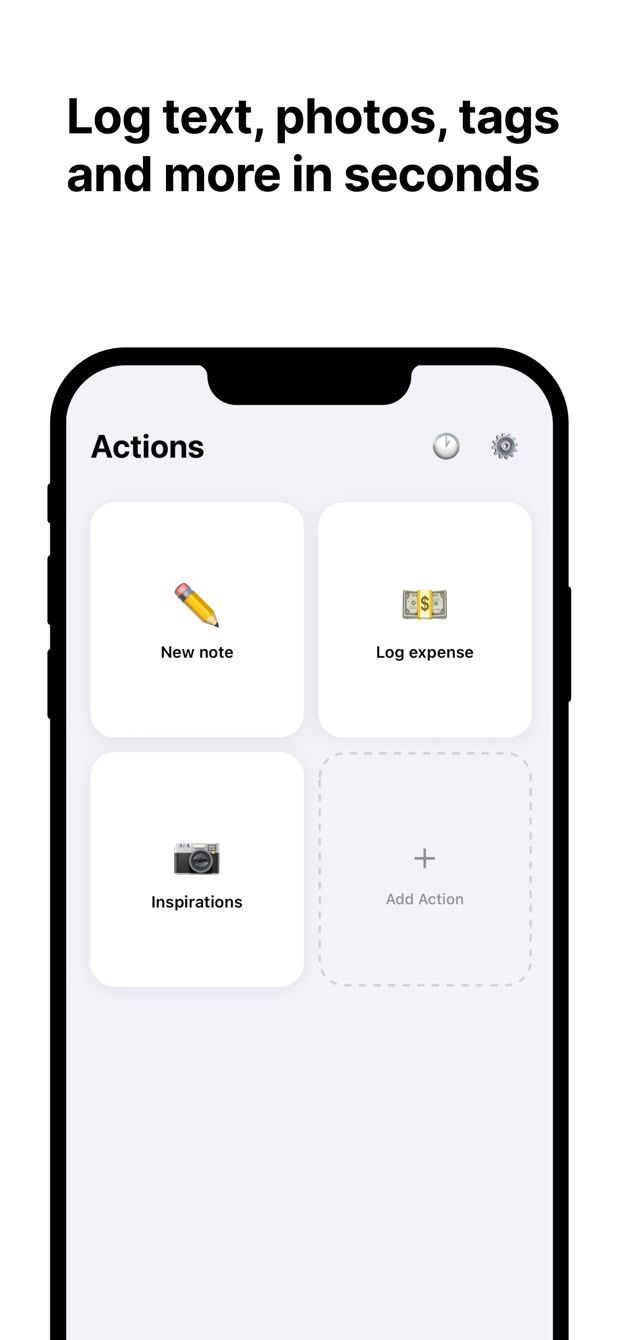
For a structured entry, use Fast Actions for Notion. You build an Action once, a small form mapped to a Meetings or Tasks database, with only the fields you want. Then each capture is: tap the action, fill the fields, save. A good “Action item” form has a title, a Project relation, an Owner select, a Due date with today as the default, and a Done checkbox. A “Decision” form has a title, the Project relation and a text field for context.
Both apps use Notion’s own sign-in, write straight to the Notion API, and queue entries when the signal is bad.
How to do it today
With Instant Note:
- Sign in with Notion and pick an inbox database that has a multi-select Tags property. Add Action and Decision as options.
- Put the widget on the Lock Screen (iPhone) or home screen (Android).
- After the meeting: tap the widget, type the item, tap Action, save. Repeat.
With Fast Actions:
- Sign in with Notion. In the app, create a new action and choose your Tasks database.
- Pick the fields: title, Project (a relation), Owner (a select), Due (a date, defaulting to today), Done (a checkbox). Leave everything else out.
- Set defaults for the common case, for example Owner = you, so most entries are one tap and a title.
- Make a second action for Decisions pointing at a Meetings or Decisions database, with a title and a text field.
- After the meeting: tap Action item, type the title, change the owner if it is not you, save. The row is in Tasks with the relation and date filled.
Fast Actions includes one capture per day on the free plan, which is enough to try the form. Pro removes the limit.
Missing something?
If your workflow needs something the app does not do yet, write to me at [email protected]. I read every message, and requests like yours decide what gets built next.
Get Instant Note · Get Fast Actions
Both apps are free to start on iOS and Android.
Instant Note for Notion


Fast Actions for Notion